
Zoom Magnifier
Windows OS of the Day

Zoom Magnifier

5.0 FREE
  • Screenshot 1
  • Screenshot 2
  • Screenshot 3

Description

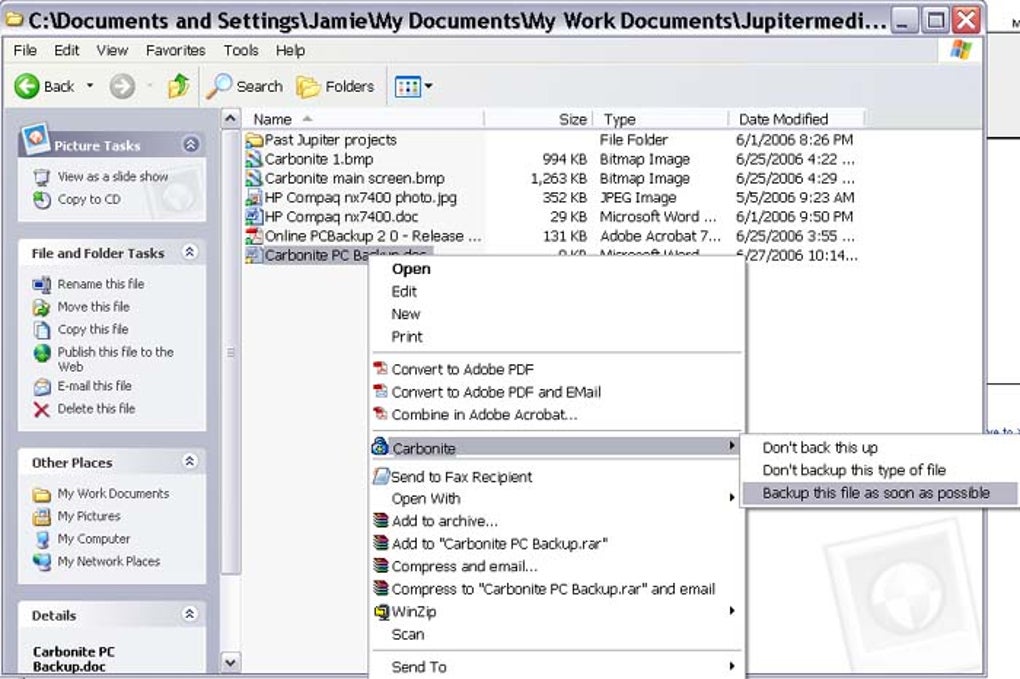
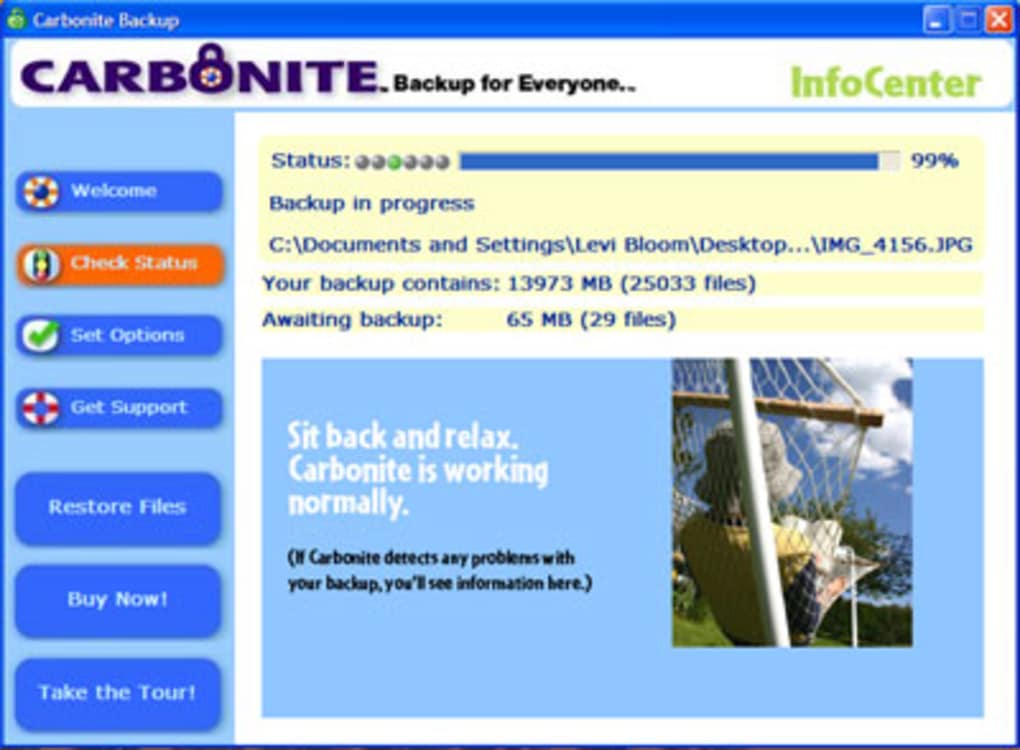
Back up your computer online A couple of months ago a friend contracted a particularly nasty virus on her PC and after many hours spent trying to resuscitate the machine, I had to break the bad news that she had lost everything on there. If only she'd had backed up her system using Carbonite, she would still be watching those dubiously-downloaded James Bond films today. The software allows you to keep a backup of your entire hard disk on the company's servers, so that if the worst ever happens, you've still got a copy of everything safe and sound. After registration with the site and installation of the client, Carbonite connects itself to the Net and automatically begins uploading your data to its backup server. This process can take a long time so you need a quick Internet connection to make it as painless as possible. The great thing about Carbonite is that it's so simple to operate and you get unlimited storage capacity for your backups, although I noticed you cannot backup personal video files over 2Gb. Once your data is uploaded onto the Carbonite servers it can perform regular backups at a rate of 2Gb per day. Provided you're comfortable transferring all your data to an external server, Carbonite makes for the perfect way to ensure you never lose any of your data.

Guides & Tutorials for Carbonite Online Backup

How to install Carbonite Online Backup
  1. Click the Preview / Download button above.
  2. Once redirected, accept the terms and click Install.
  3. Wait for the Carbonite Online Backup download to finish on your device.
How to use Carbonite Online Backup

This software is primarily used for its core features described above. Open the app after installation to explore its capabilities.

User Reviews for Carbonite Online Backup 0

    No reviews found

Similar Apps




